
Upload Guide
Your uploaded file will be used to generate your AI talent. Please follow the guide below for the best results.
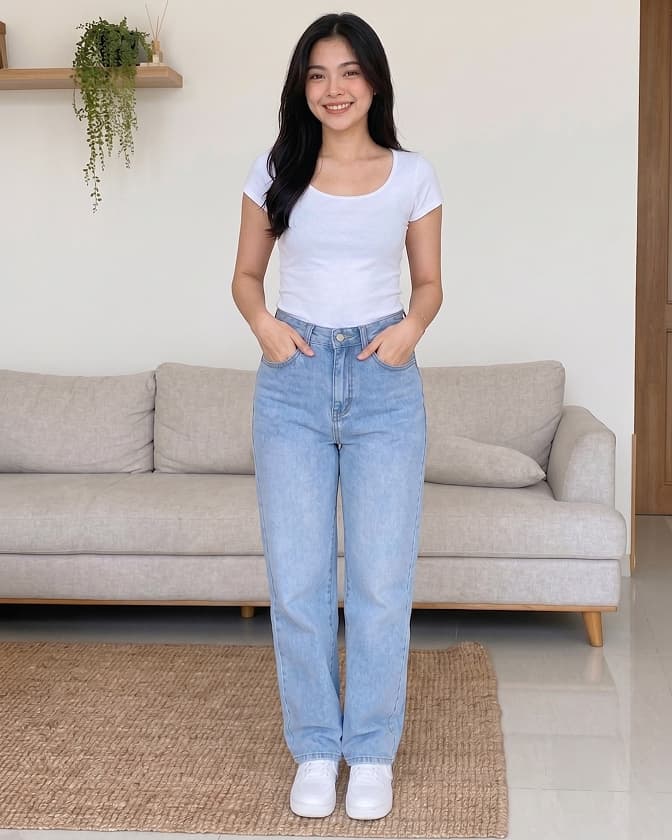
How to upload Full Body Shot
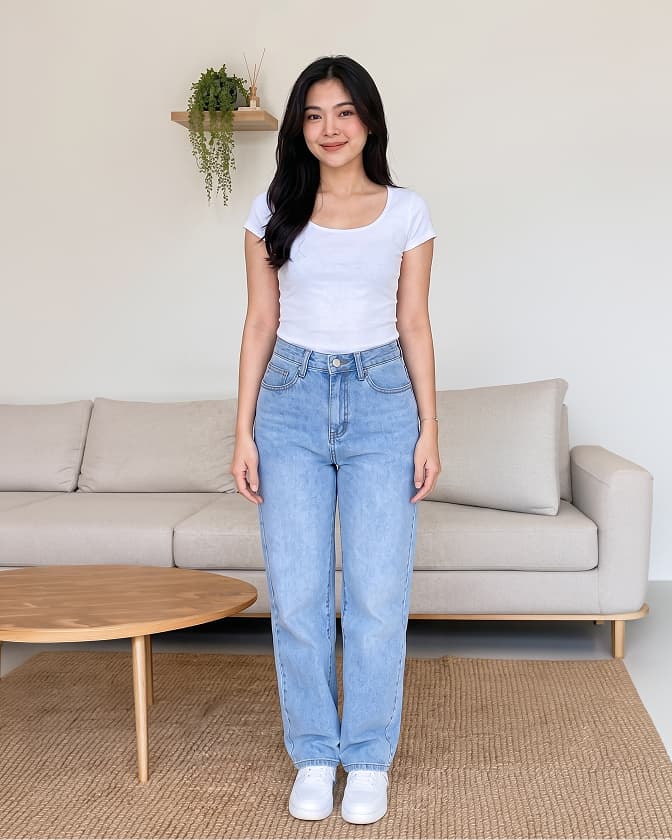
- Stand facing the camera directly.
- Entire body is clearly visible from head to toe.
- Your face is clearly visible and not covered.
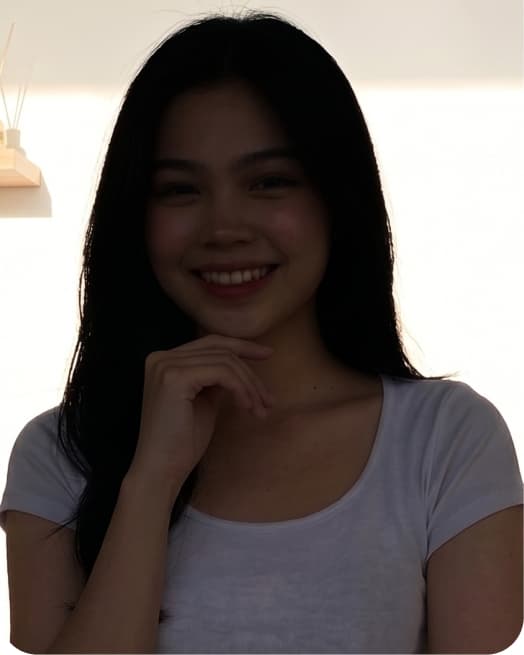
- Good and even lighting.
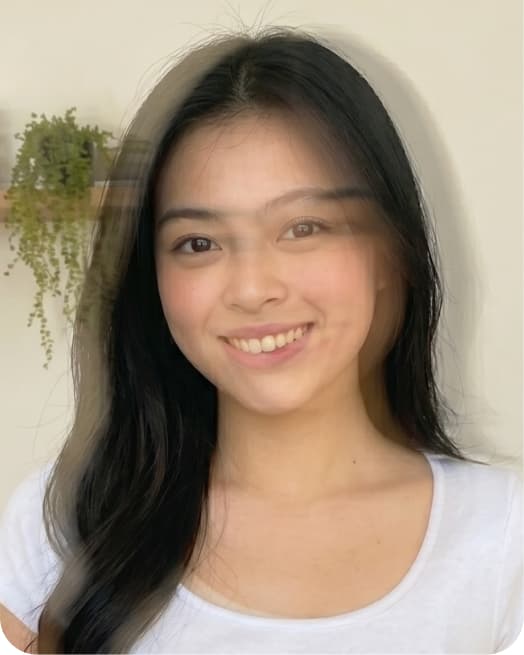
- The photo is clear, in focus, and not blurry.
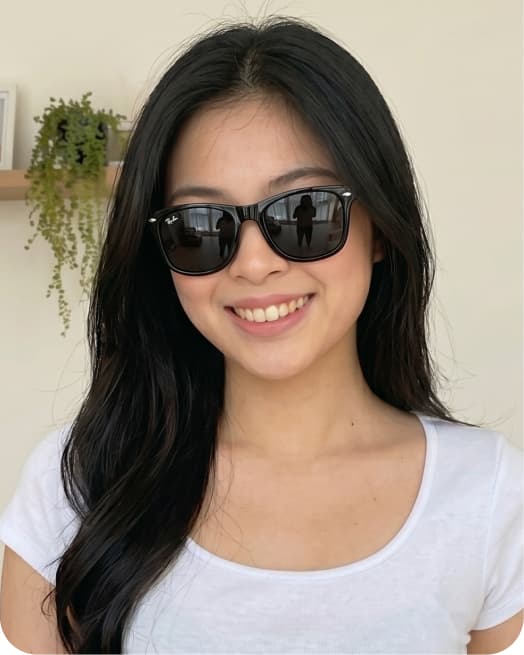
- Do not wear hat, dark sunglasses, or face mask.
- Keep a natural facial expression and relax.
- Do not edit or apply filters to the photo.
- ▪Stand facing the camera directly.
- ▪Entire body is clearly visible from head to toe.
- ▪Your face is clearly visible and not covered.
- ▪Good and even lighting.
- ▪The photo is clear, in focus, and not blurry.
- ▪Do not wear hat, dark sunglasses, or face mask.
- ▪Keep a natural facial expression and relax.
- ▪Do not edit or apply filters to the photo.
Front
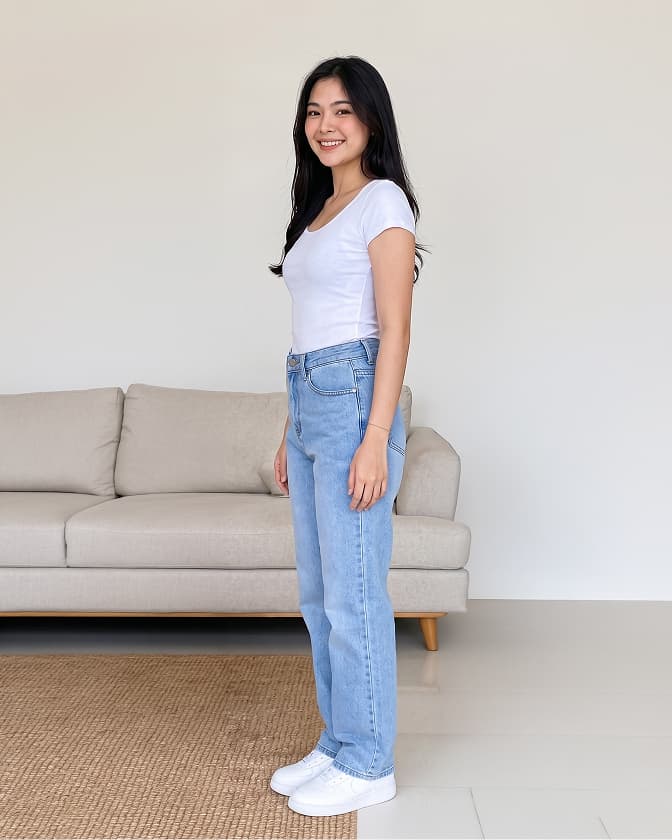
3/4 Side
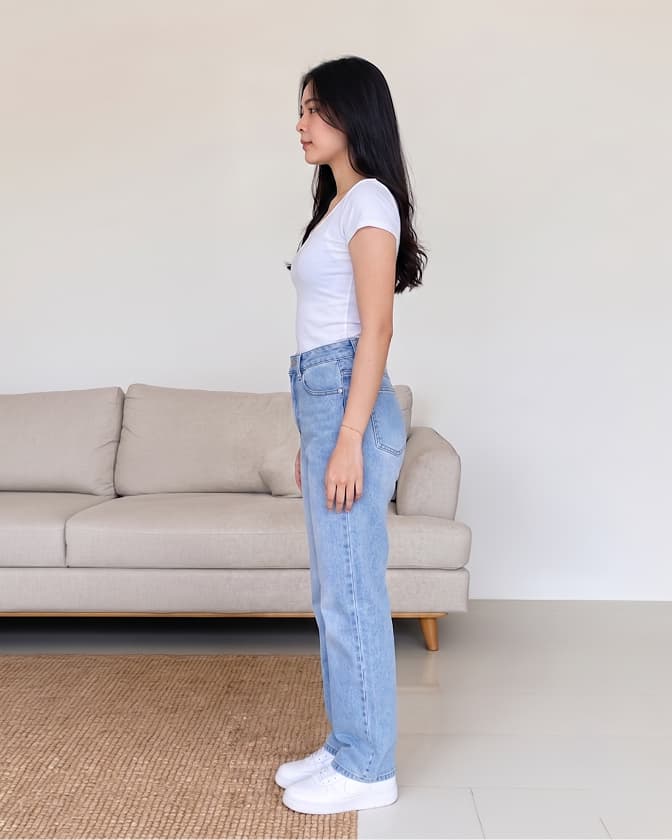
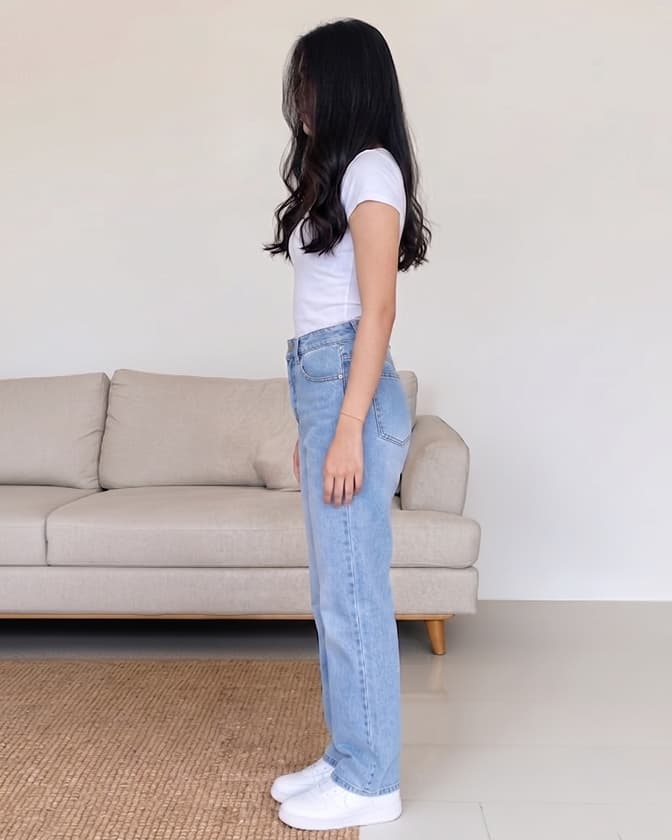
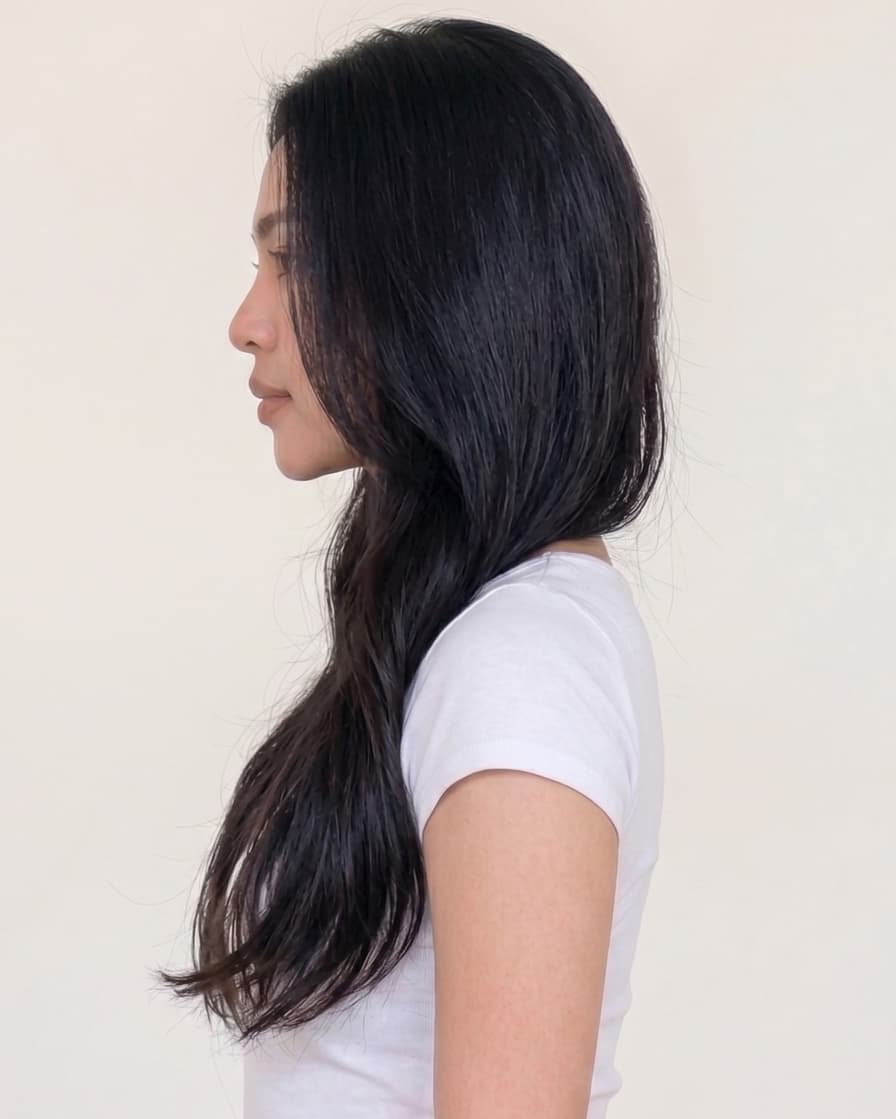
Side
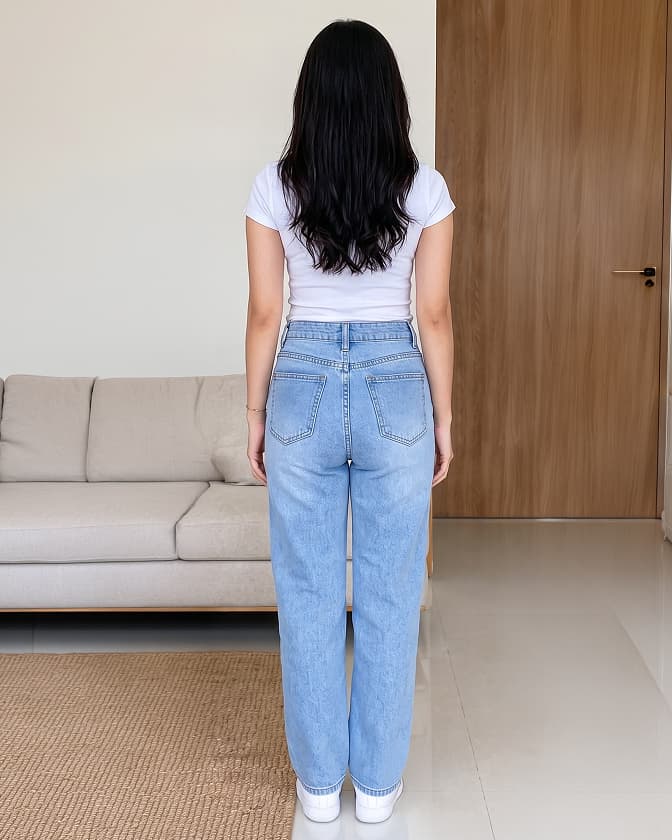
Back
Front
3/4 Side
Side
Back
Hand pose
Face covered
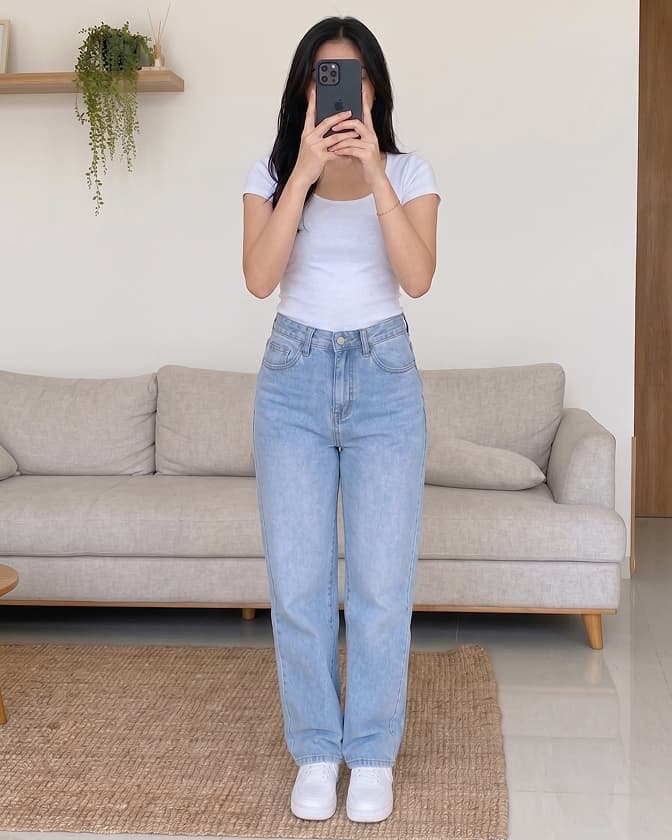
Face covered
Hand pose
Face covered
Face covered
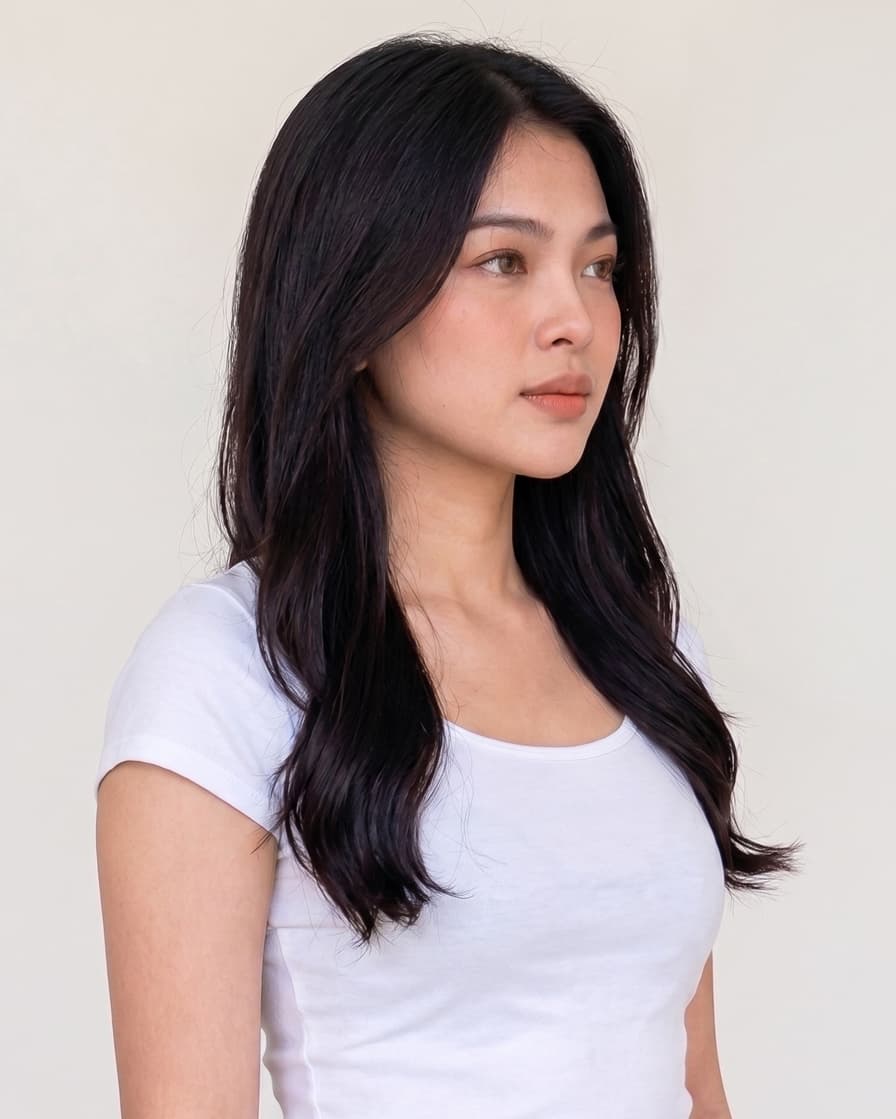
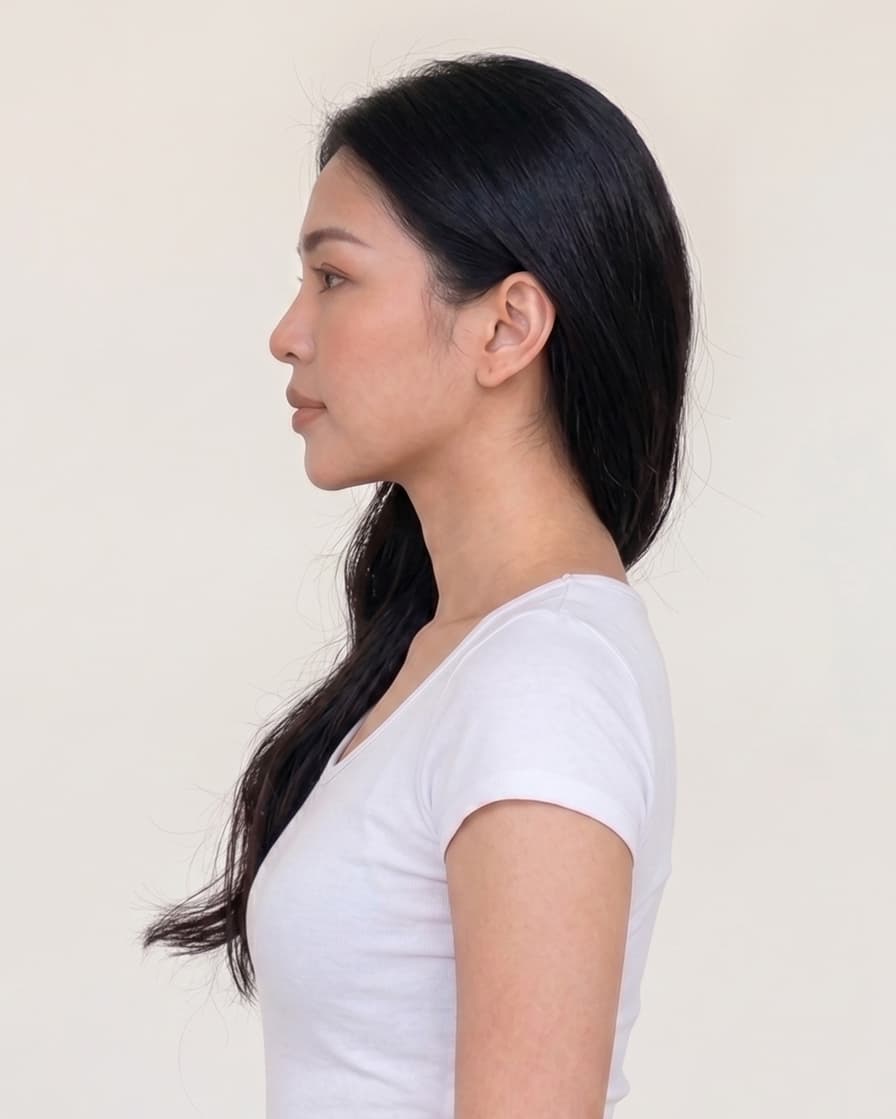
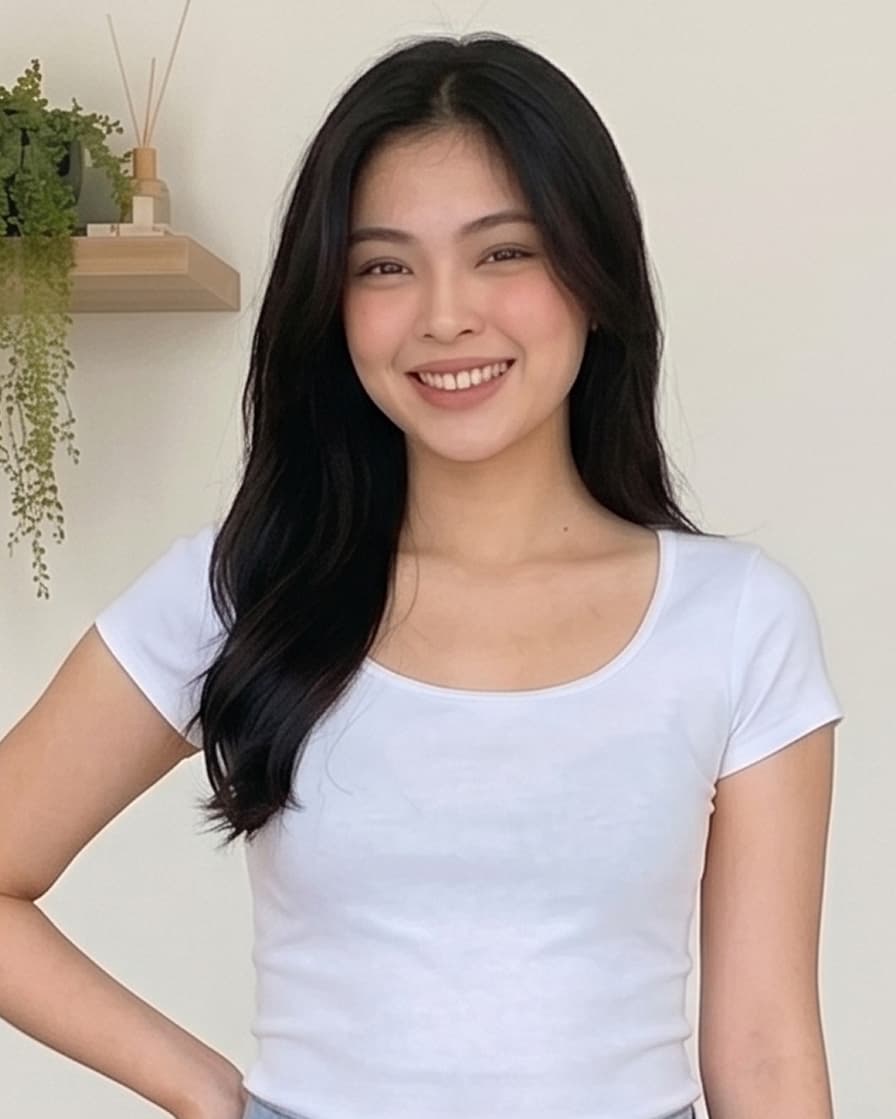
How to upload Medium Shot
- Stand facing the camera directly.
- Half body is clearly visible from head to waist.
- Your face is clearly visible and not covered.
- Good and even lighting.
- The photo is clear, in focus, and not blurry.
- Do not wear hat, dark sunglasses, or face mask.
- Keep a natural facial expression and relax.
- Do not edit or apply filters to the photo.
- ▪Stand facing the camera directly.
- ▪Half body is clearly visible from head to waist.
- ▪Your face is clearly visible and not covered.
- ▪Good and even lighting.
- ▪The photo is clear, in focus, and not blurry.
- ▪Do not wear hat, dark sunglasses, or face mask.
- ▪Keep a natural facial expression and relax.
- ▪Do not edit or apply filters to the photo.
Front
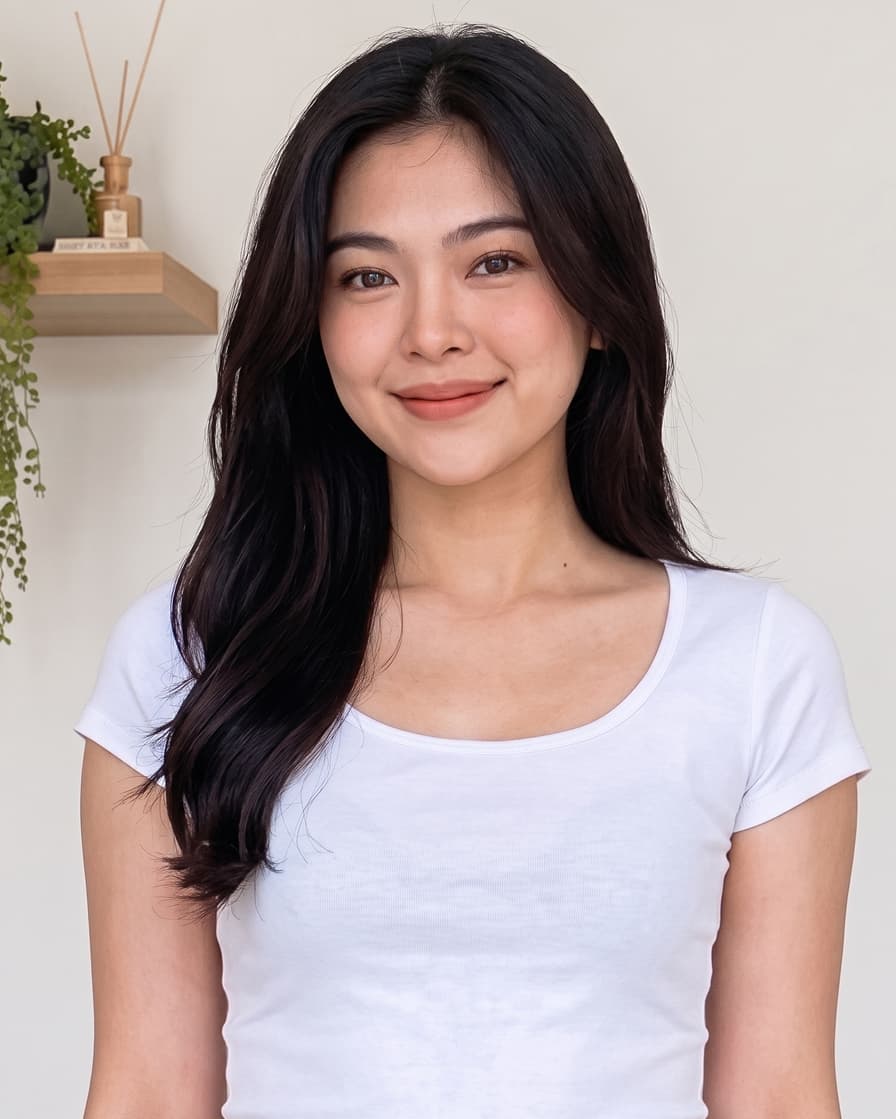
3/4 Side
Side
Front
3/4 Side
Side
Hand pose
Face covered
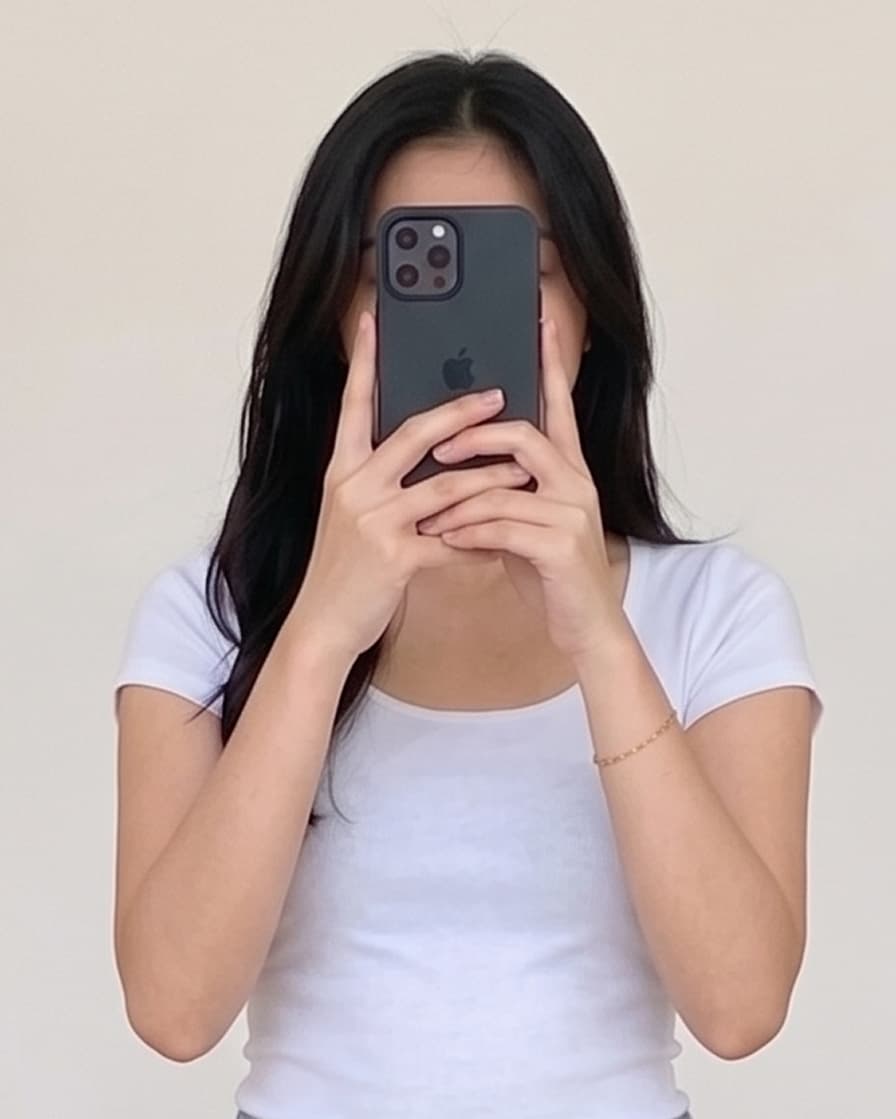
Face covered
Hand pose
Face covered
Face covered
How to upload Close Up Shot
- Stand facing the camera directly.
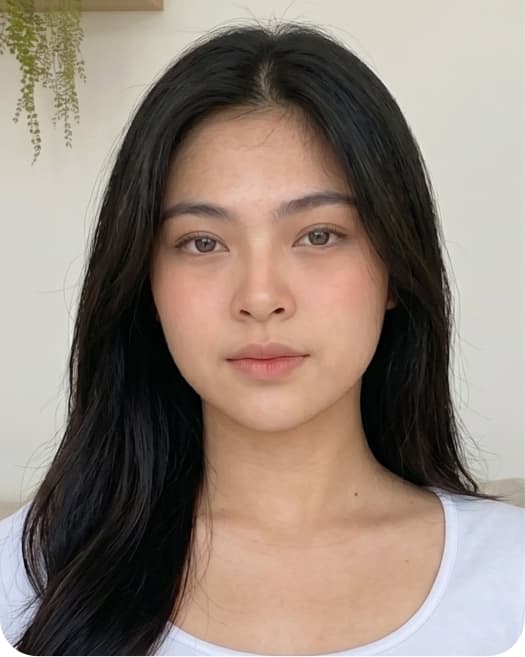
- Your face is clearly visible and not covered.
- Good and even lighting.
- The photo is clear, in focus, and not blurry.
- Do not wear hat, dark sunglasses, or face mask.
- Keep a natural facial expression and relax.
- Do not edit or apply filters to the photo.
- ▪Stand facing the camera directly.
- ▪Your face is clearly visible and not covered.
- ▪Good and even lighting.
- ▪The photo is clear, in focus, and not blurry.
- ▪Do not wear hat, dark sunglasses, or face mask.
- ▪Keep a natural facial expression and relax.
- ▪Do not edit or apply filters to the photo.
Normal
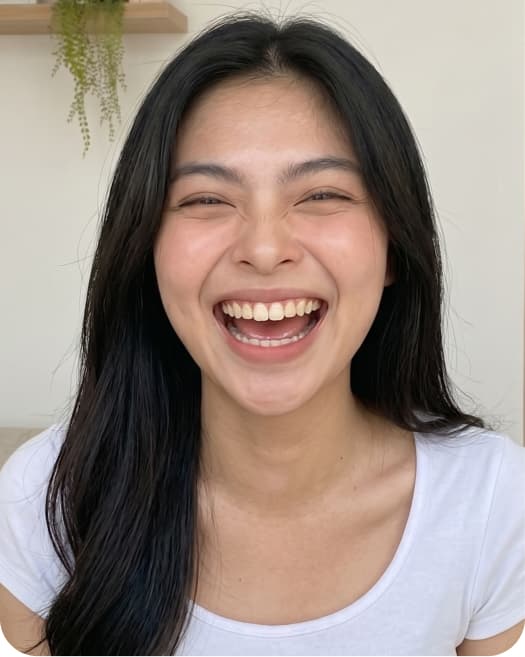
Laugh
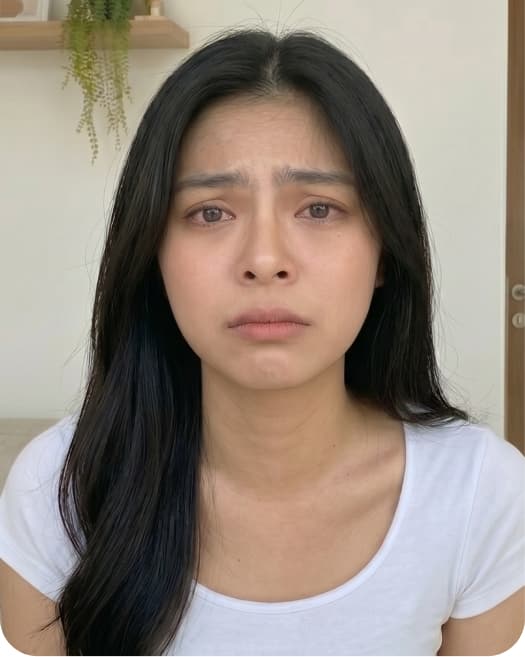
Sad
Shocked
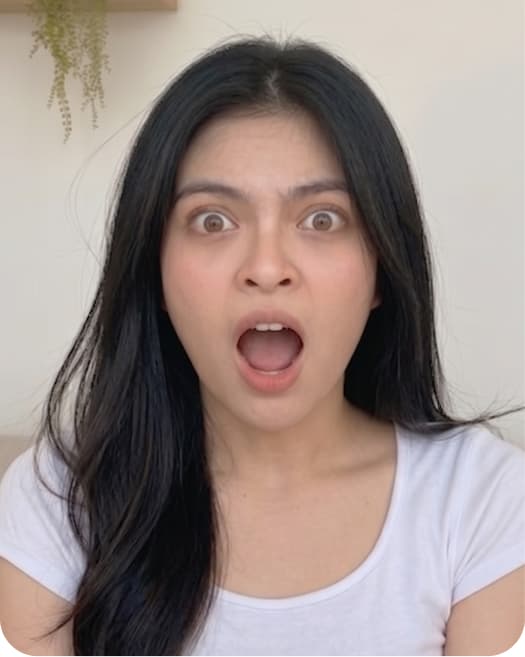
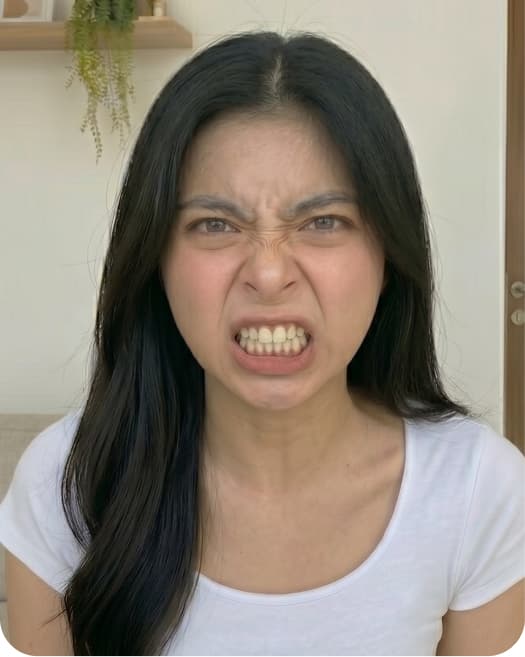
Angry
Normal
Laugh
Sad
Shocked
Angry
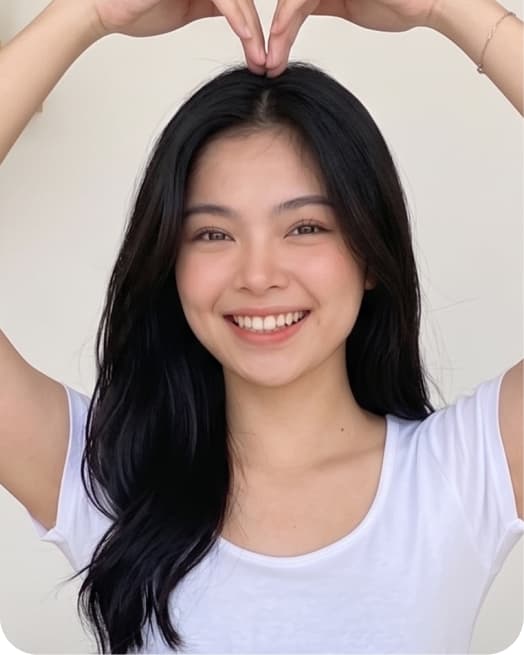
Hand pose
Blur
Wear sunglass
Shaky image
Backlight
Hand pose
Blur
Wear sunglass
Shaky image
Backlight
How to upload Voice
- Record in a quiet environment with minimal background noise. Do not record in public spaces with background noises or other voices.
- Speak naturally and clearly at a consistent volume and pace.
- Do not use voice effects, filters, noise reduction apps, or audio enhancement tools.
- Do not interrupt the recording with long pauses, laughter, or unrelated comments.
- ▪Record in a quiet environment with minimal background noise. Do not record in public spaces with background noises or other voices.
- ▪Speak naturally and clearly at a consistent volume and pace.
- ▪Do not use voice effects, filters, noise reduction apps, or audio enhancement tools.
- ▪Do not interrupt the recording with long pauses, laughter, or unrelated comments.
Do this
00:00
00:00
Avoid this
00:00
00:00